Damaging lines on back of card
I know I have seen others complaining, but I purchased my Ricoh 8170 a week ago and I have constantly had problems with it damaging the back of the card. I keep getting scratch lines on the back of my cards, scanning face down, even though I removed the two black pieces that supposedly scratch it.
Evidence / Attachments
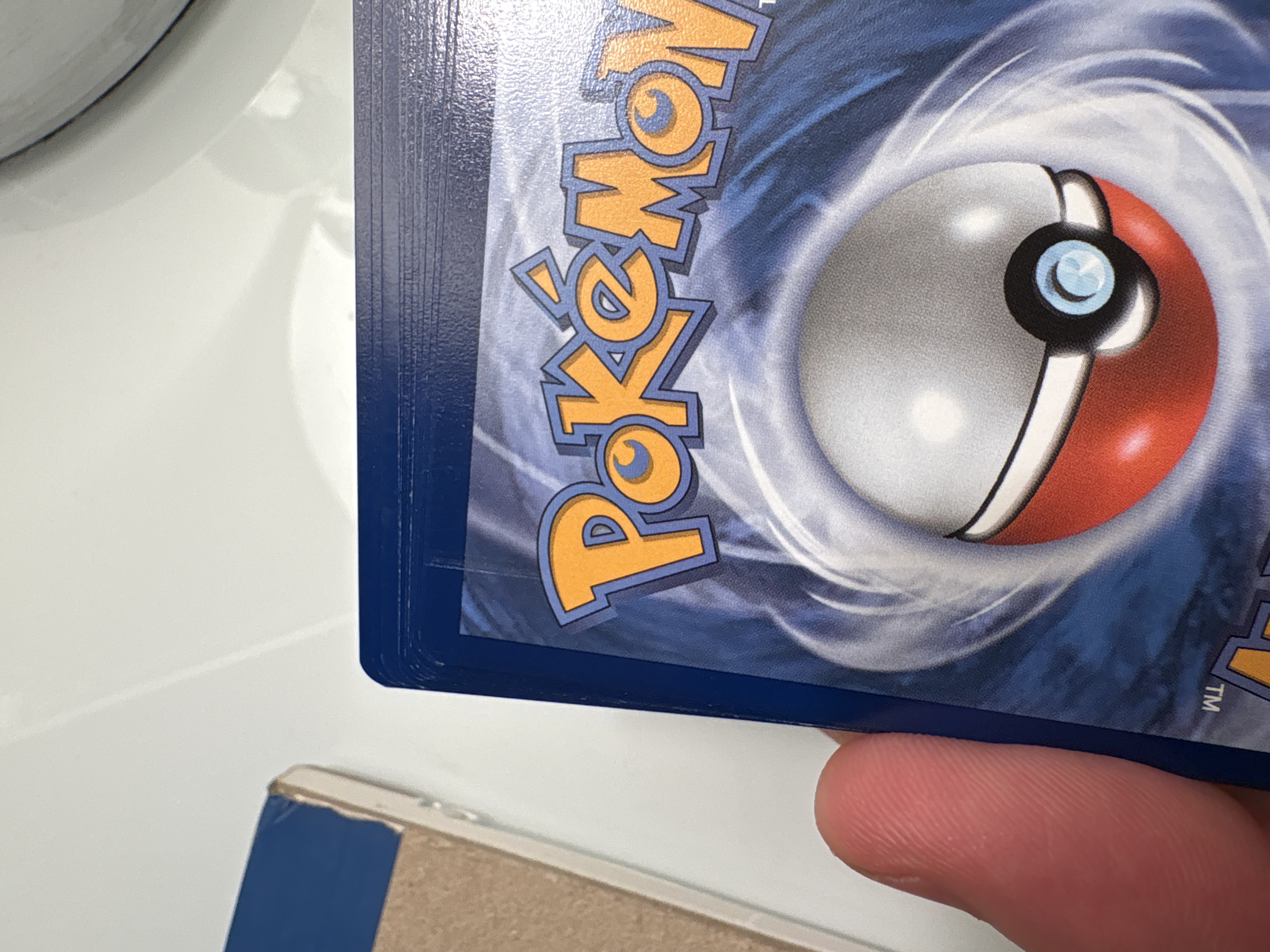
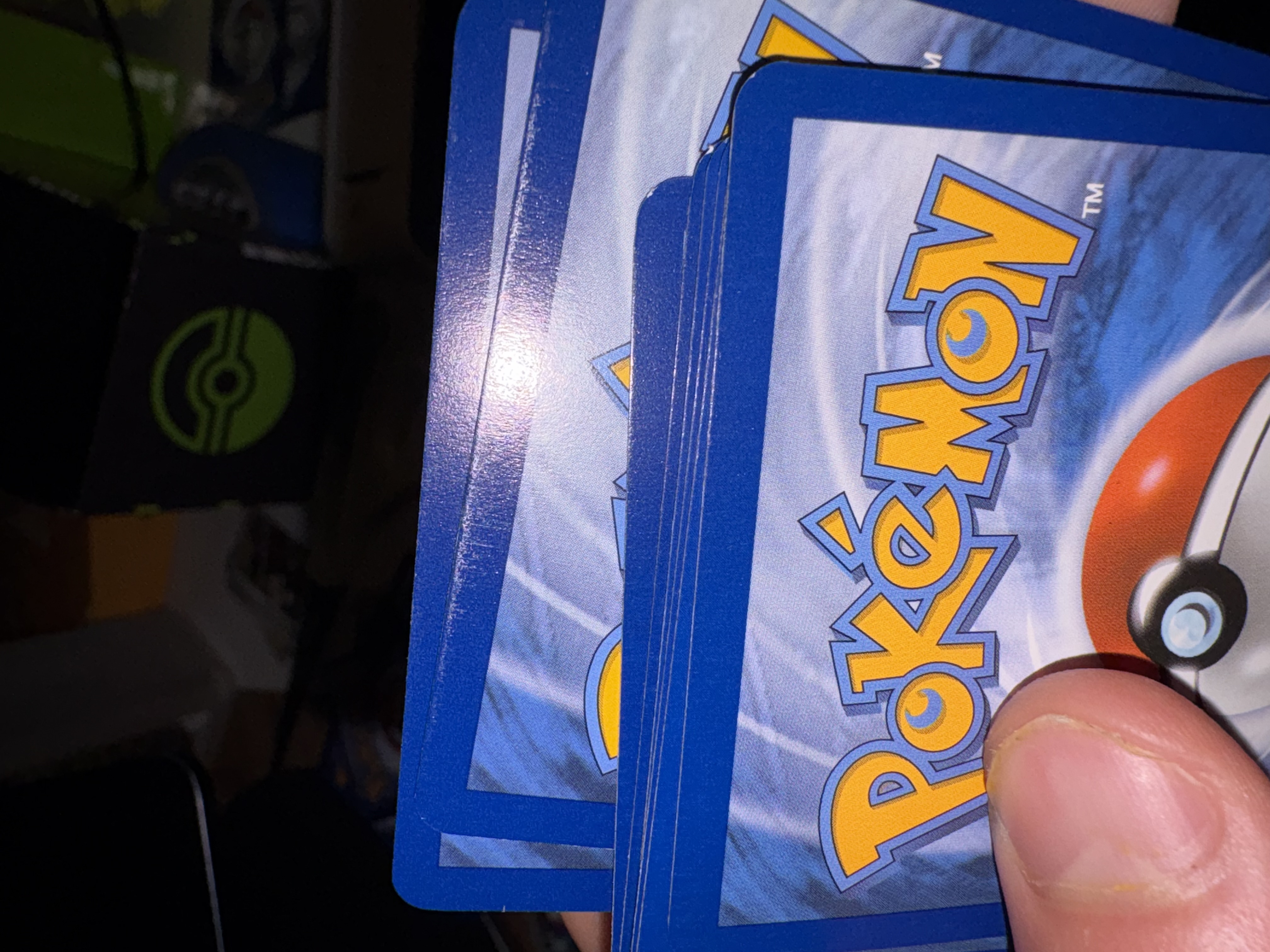
I have the same issue, quite deep marks on the toploader. brand new scanner
I am very sorry for my late reply. It has been a bit crazy here, but I am catching up. With regard to the marking, it appears as though you may not be using penny sleeves. I know it is not mandatory, and many people scan without them, but I am not one of those people. Penny sleeves are mandatory for me for this simple reason. Any particle can get stuck on the scanner and scratch a card. In fact, because hard plastics and other materials are used in the scanning process, the likelihood of issues arising from direct contact is higher than many would think. The only advice I can give is to penny sleeve your cards. Outside of that, you are at the mercy of the system, and I do not like the odds.
Sounds good! I had ordered the part from your website and will see how scanning with sleeved goes once it arrives.
I purchased a Ricoh fi-8170 about a month ago and I am not seeing this issue at all when scanning raw cards unless I remove the roller under the piece that is causing the two indentions from the plastic piece. I can’t scan with penny sleeves due to the roller, but I have purchased the 3D printed piece for the scanner from maxwaxpax’s store and will install soon to test scanning with sleeves on. I currently only scan base cards with it, but would like to start scanning inserts with it also.
I finally had time this morning to install the maxwaxpax feeder arm (I call it that, not sure what the name of the part really is) and test scanning about 20 base cards with penny sleeves on the cards.
FLAWLESS!!!
I have a lot of cards to scan, so I will report back after a few weeks.
Thank you maxwaxpax!!!